
React without pressing native Like
By default, choosing an emoji in Webemoji does not click Facebook's Like button or select one of Facebook's native reactions — and an opt-in setting can link the two when you want exactly that.
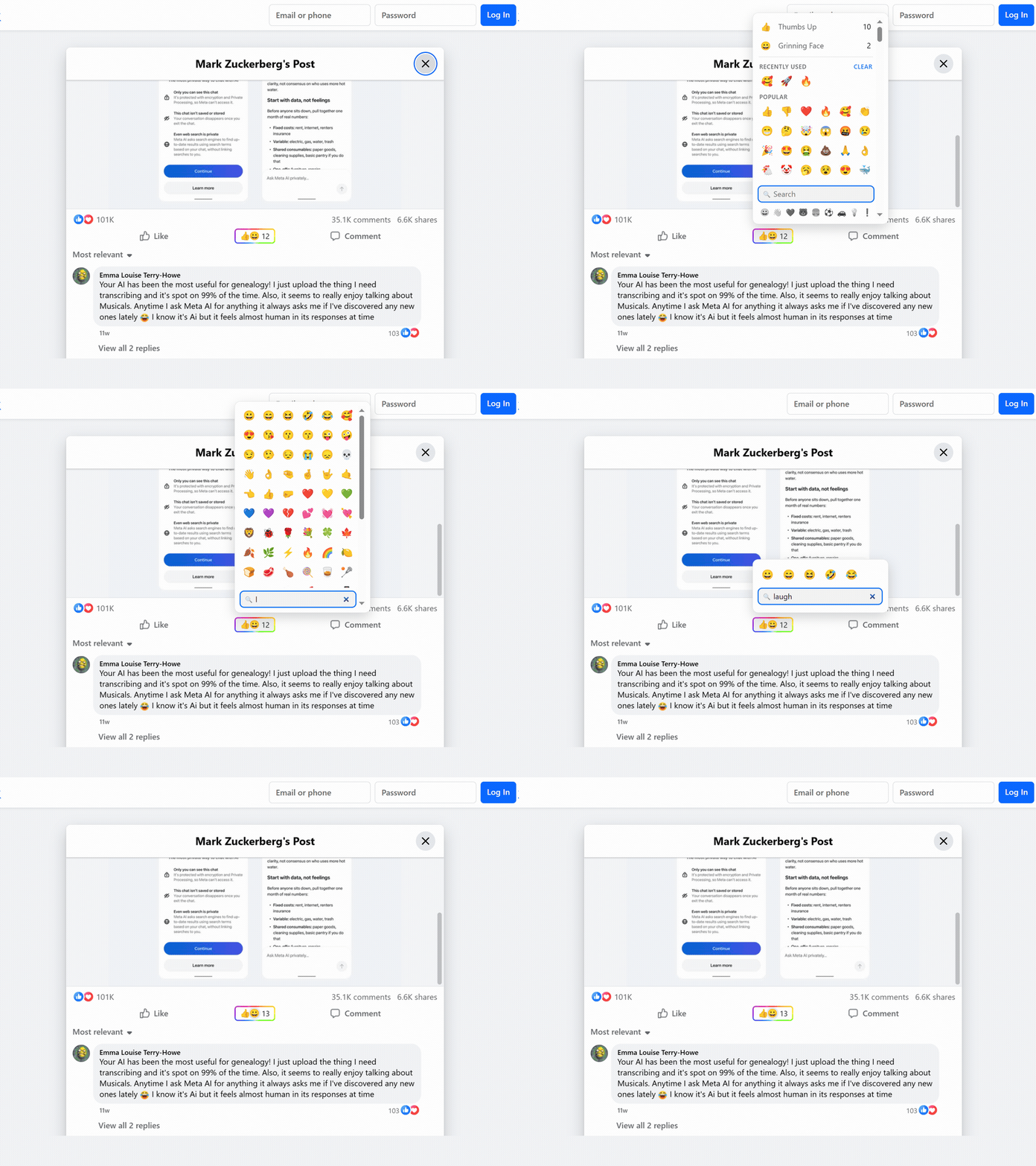
By default, choosing an emoji in Webemoji does not click Facebook's Like button or select one of Facebook's native reactions — and an opt-in setting can link the two when you want exactly that.
Thinking, warning, thumbs down, fire, celebration, and neutral reactions can communicate more than a small fixed set.
Leave native controls visible by default or use the extension setting to hide supported native buttons in your own browser.
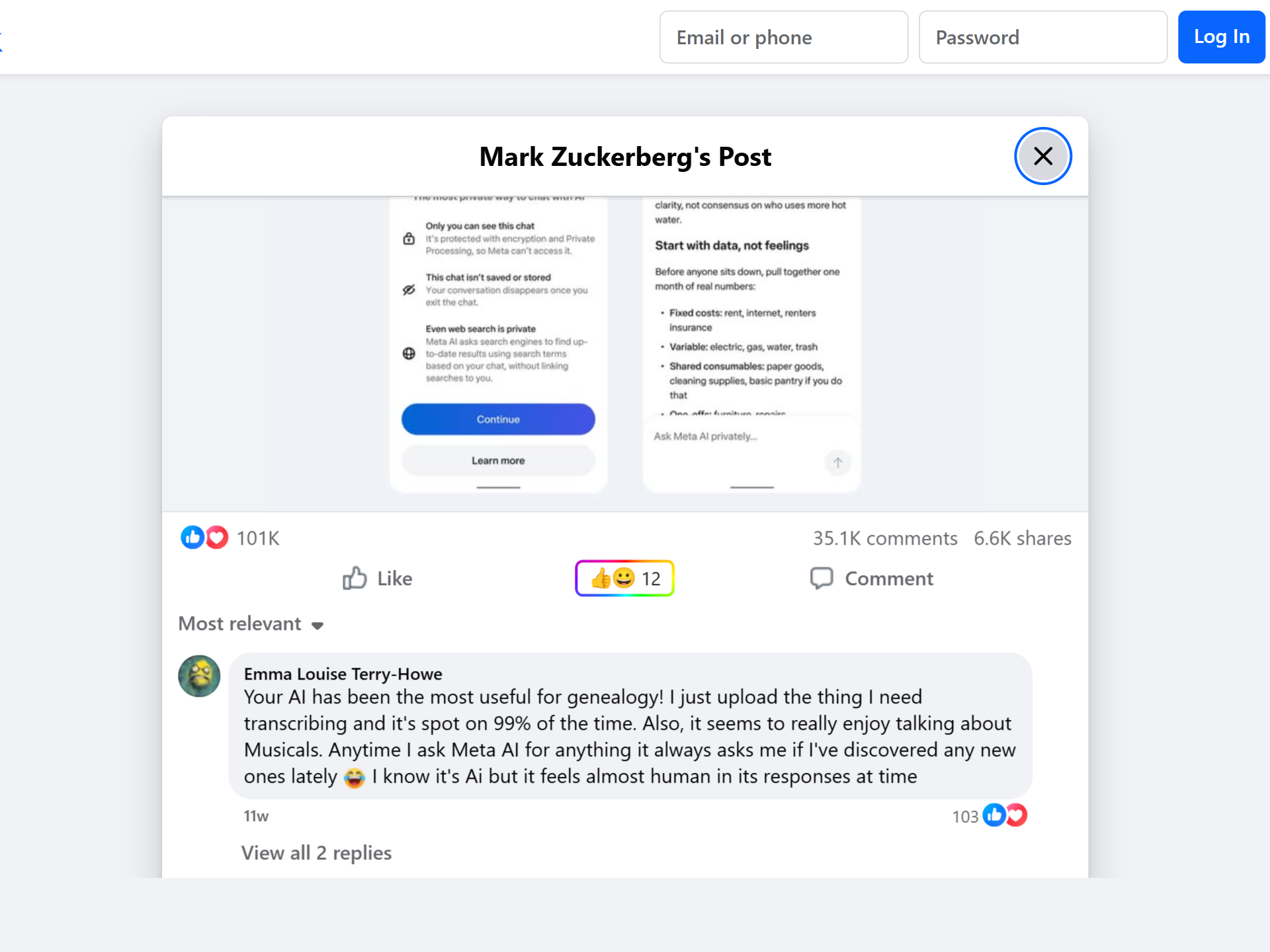
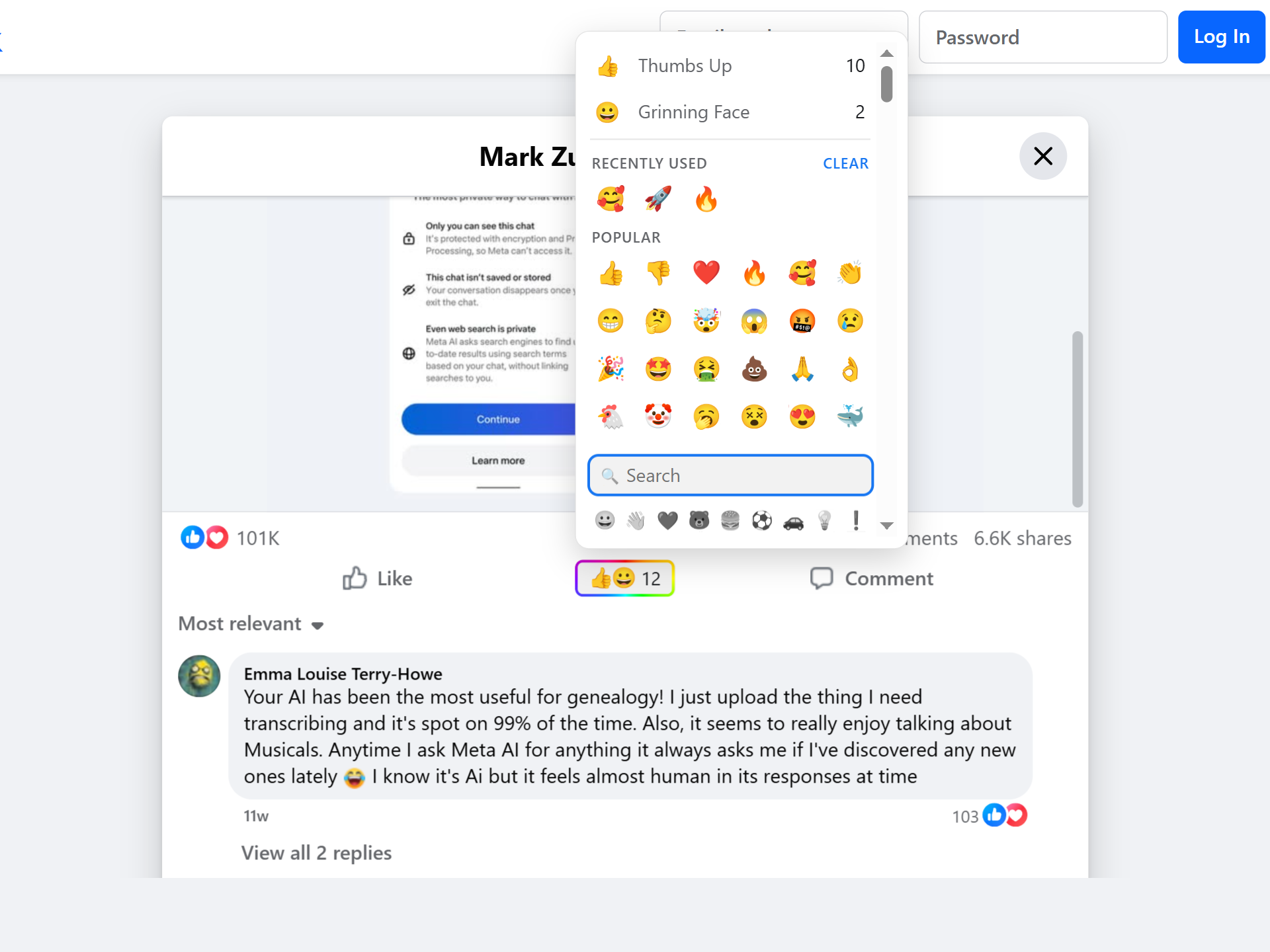
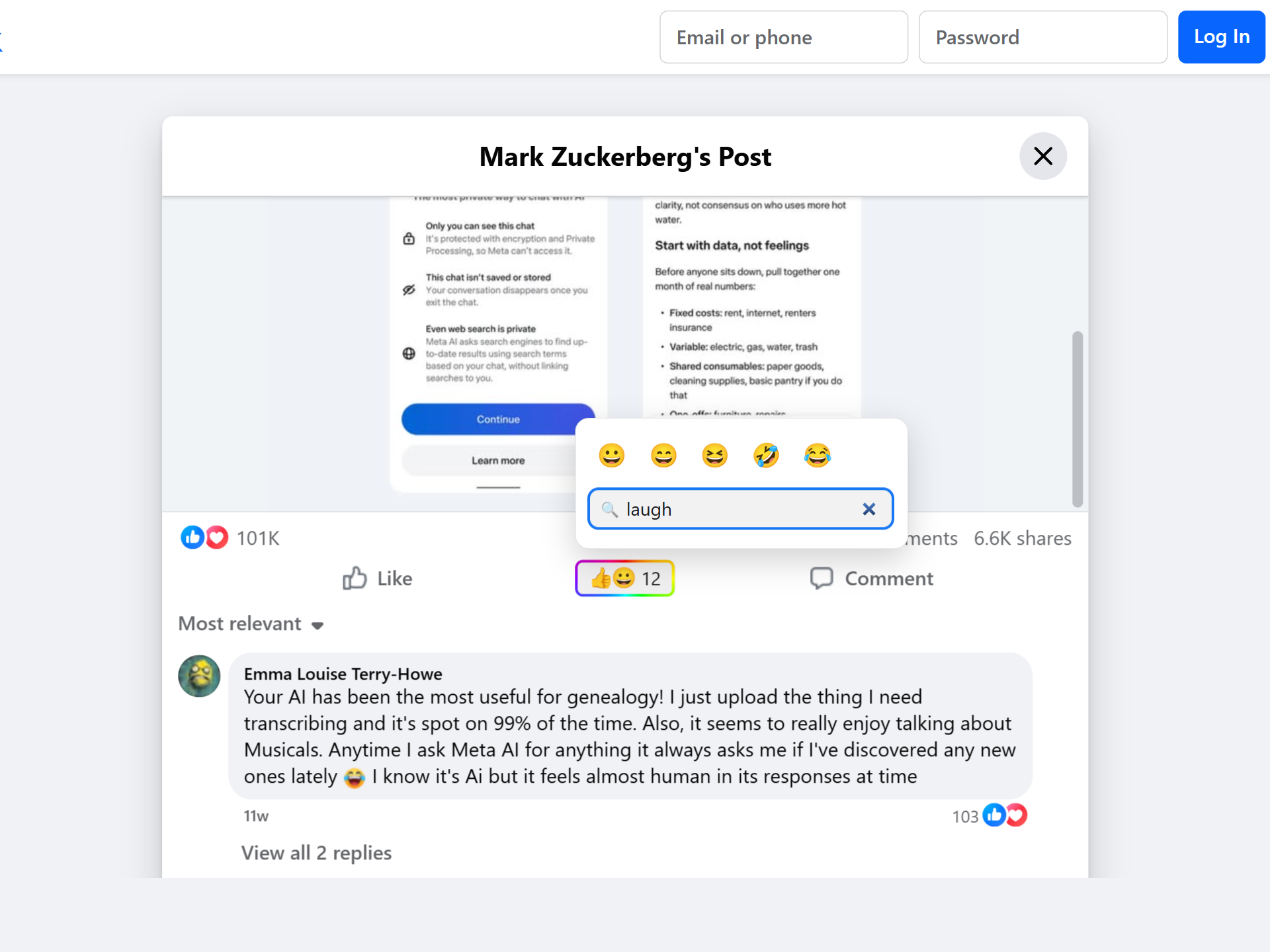
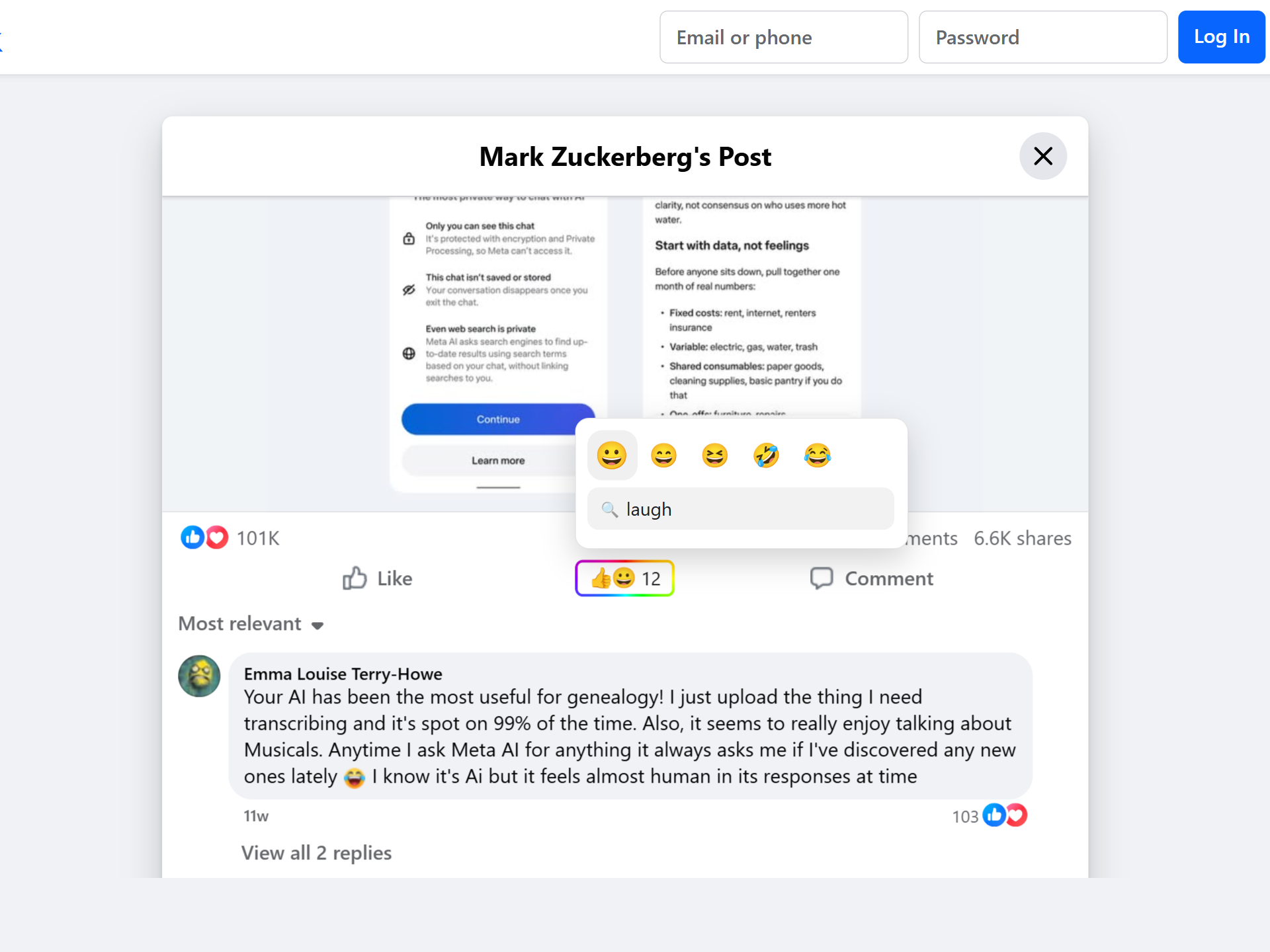
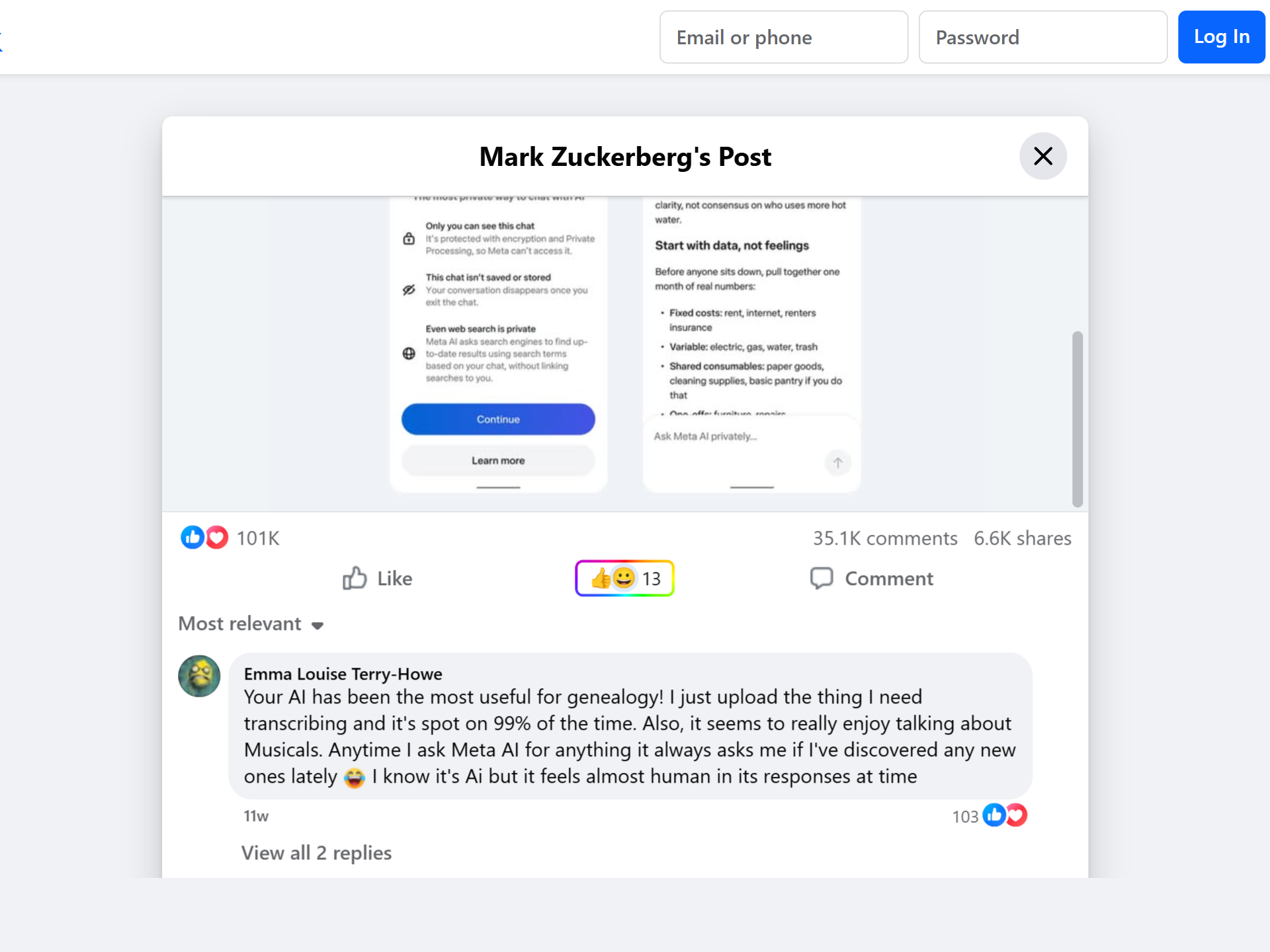
By default, choosing an emoji in Webemoji is a Webemoji action. It does not click Facebook's Like button, choose one of Facebook's native reactions, or post a comment. You can still use Facebook's own controls separately when you want to.
This matters because many people want a reaction that is visible as a public signal without feeding the exact native action menu a platform provides. A thinking face, warning sign, thumbs down, skull, heart, or fire emoji can say something more specific than a Like.
If you do want the two linked, the off-by-default Auto-press original buttons setting mirrors your pick to Facebook's own reactions — see the section below for the exact mapping.
If you are browsing Facebook, Facebook can still operate its site and see activity that happens on Facebook. Webemoji is not a tracker blocker, ad blocker, or Facebook account wrapper. Its job is narrower: add an independent reaction layer with aggregate Webemoji counts.
The Facebook adapter is built for the surfaces Webemoji supports today: posts, photos, Reels, and videos. The picker is placed near the existing action row when the page layout allows it, so the reaction belongs to the thing you are already reading or watching.
Webemoji shows aggregate counts. It does not expose a public endpoint for who reacted to a Facebook post, photo, Reel, or video. Anyone can read counts, but submitting a reaction requires a one-time email verification in Webemoji.
The extension popup can show your own recent reactions on your device. That history is for you; it is not uploaded as a public profile or social feed. The public layer is the count attached to the target.
Webemoji ships with native replacement off. That means Facebook's own Like control remains visible, and the Webemoji picker appears as a separate control. This is the clearest default because it does not surprise users who still want Facebook's native behavior.
If the native control gets in your way, open the Webemoji popup and turn on Replace original buttons. On supported placements, the extension hides the native control in your browser and lets the Webemoji picker take that space. Reload open pages after toggling so the layout settles cleanly.
This is a local interface preference. It does not remove Facebook's buttons for other people, and it does not stop you from turning the setting back off.
With the off-by-default Auto-press original buttons setting on, an exact match drives Facebook's own reaction menu: 👍 → Like, ❤️ and the other hearts → Love, 🤗 or 🥰 → Care, 😆 😂 🤣 → Haha, 😮 😯 😲 → Wow, 😢 😭 → Sad, 😡 😠 🤬 → Angry. The native reaction is selected by its position in the menu, not by its label, so the mapping works in every Facebook language.
A positive emoji with no exact match presses plain Like; a negative emoji with no match presses nothing — Facebook has no dislike to press. Changing your emoji switches the native reaction the same way, and un-reacting clears only a reaction the extension itself set: anything you pressed by hand stays exactly as you left it.
Webemoji is not a Facebook privacy shield: Facebook can still operate its own site while you browse it. Webemoji only adds a separate aggregate reaction layer and, by default, does not press Facebook's native buttons for you — the opt-in Auto-press setting is the deliberate exception, and it presses exactly what you picked.
Read the full privacy policy.
Install Webemoji, open supported Facebook content, and use the separate picker when Like is too narrow.
No. A Webemoji emoji is separate from Facebook's native Like and reaction controls.
The adapter is built for supported posts, photos, Reels, and videos where a public target can be derived.
No. If you are on Facebook, Facebook still operates the page. Webemoji is an independent reaction layer, not a tracker blocker or account wrapper.
The same emoji reaction layer — one account, across every supported site.